You can download my KiCad keyboard shortcut maps, below, along with easy-to-customize cheatsheets to help with learning. If you want to roll your own, here is my recipe for creating the mappings: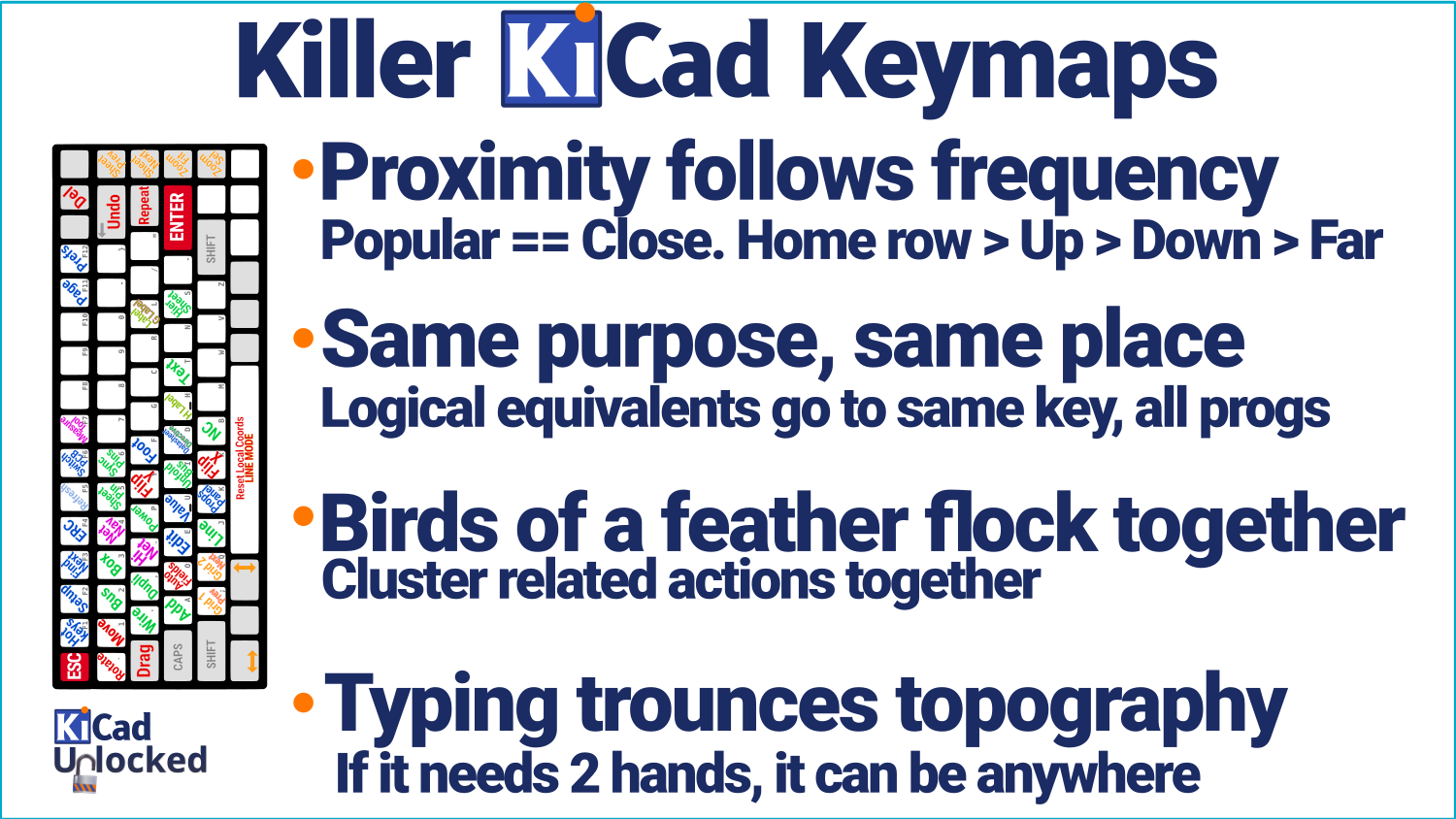
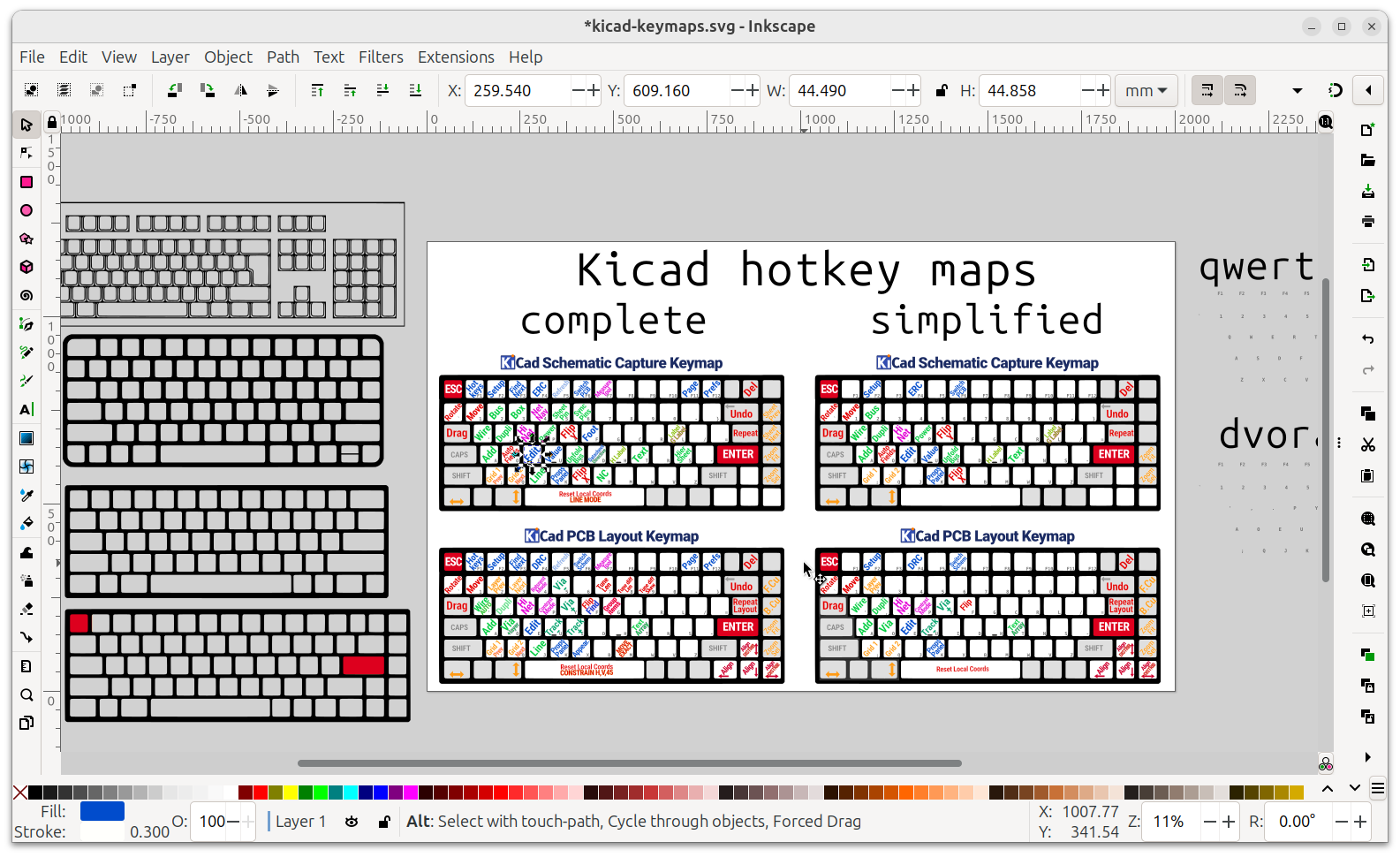
- my hotkey maps for dvorak and qwerty keyboards.
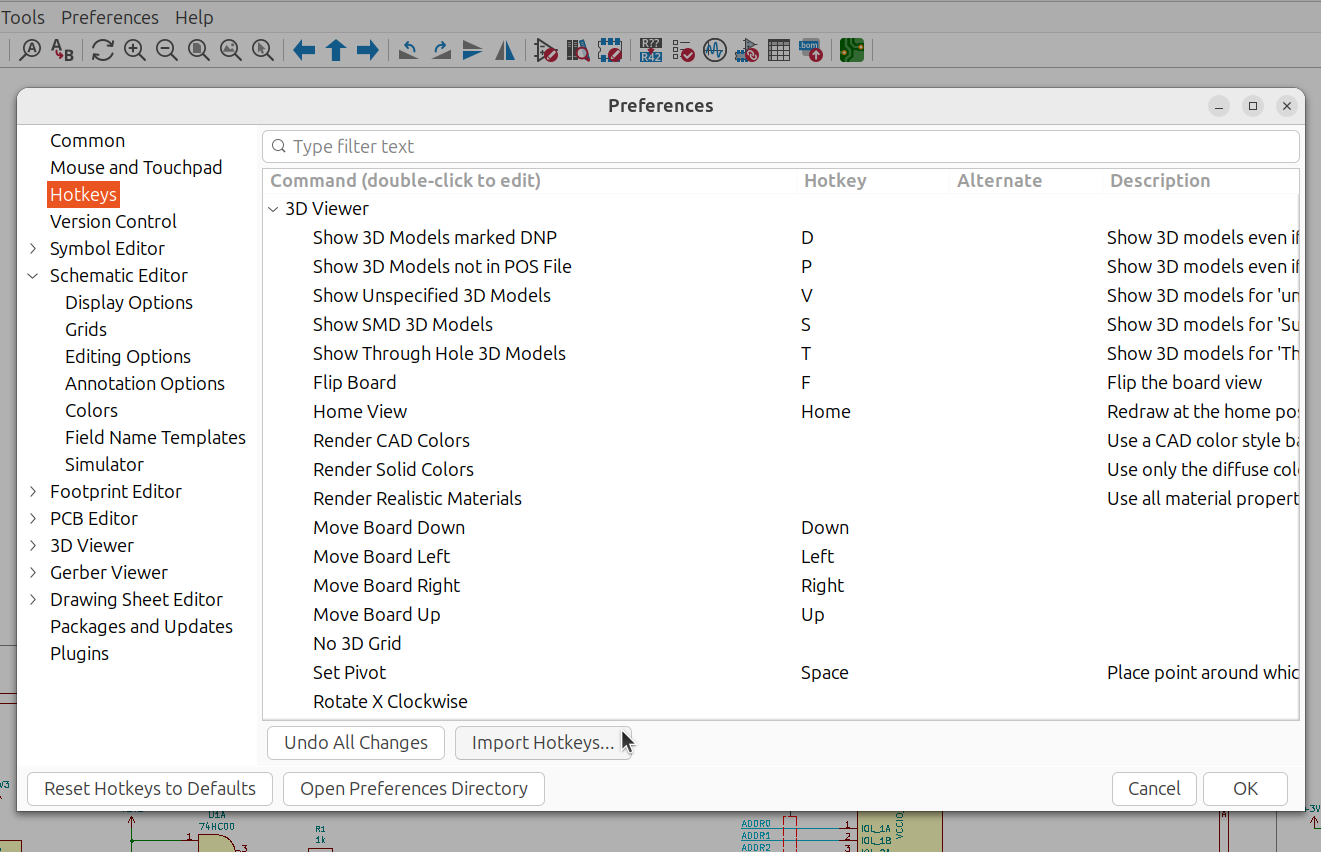
You can import these directly into KiCad (after backing up "user.hotkeys" from the "Open Preferences Directory" there, ya?)
- An SVG reference chart that you can easily customize to match your keyboard and layout. I recommend the excellent inkscape for this
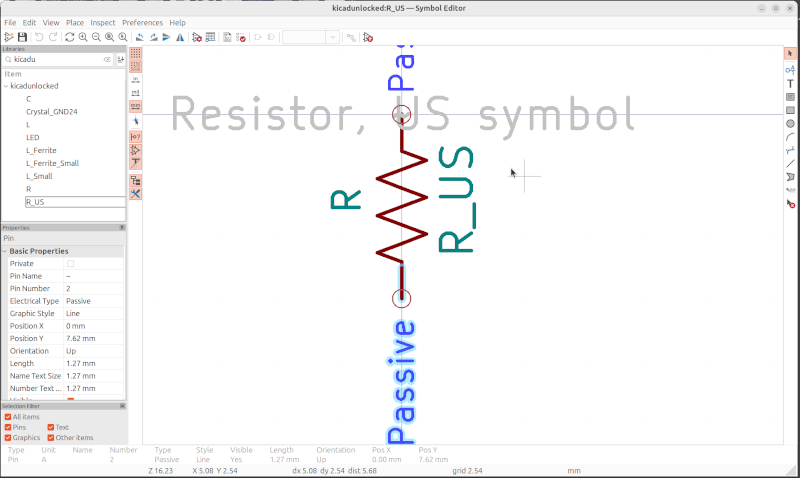
- My speedy 100-mil grid symbol lib as demonstrated in the youtube vid
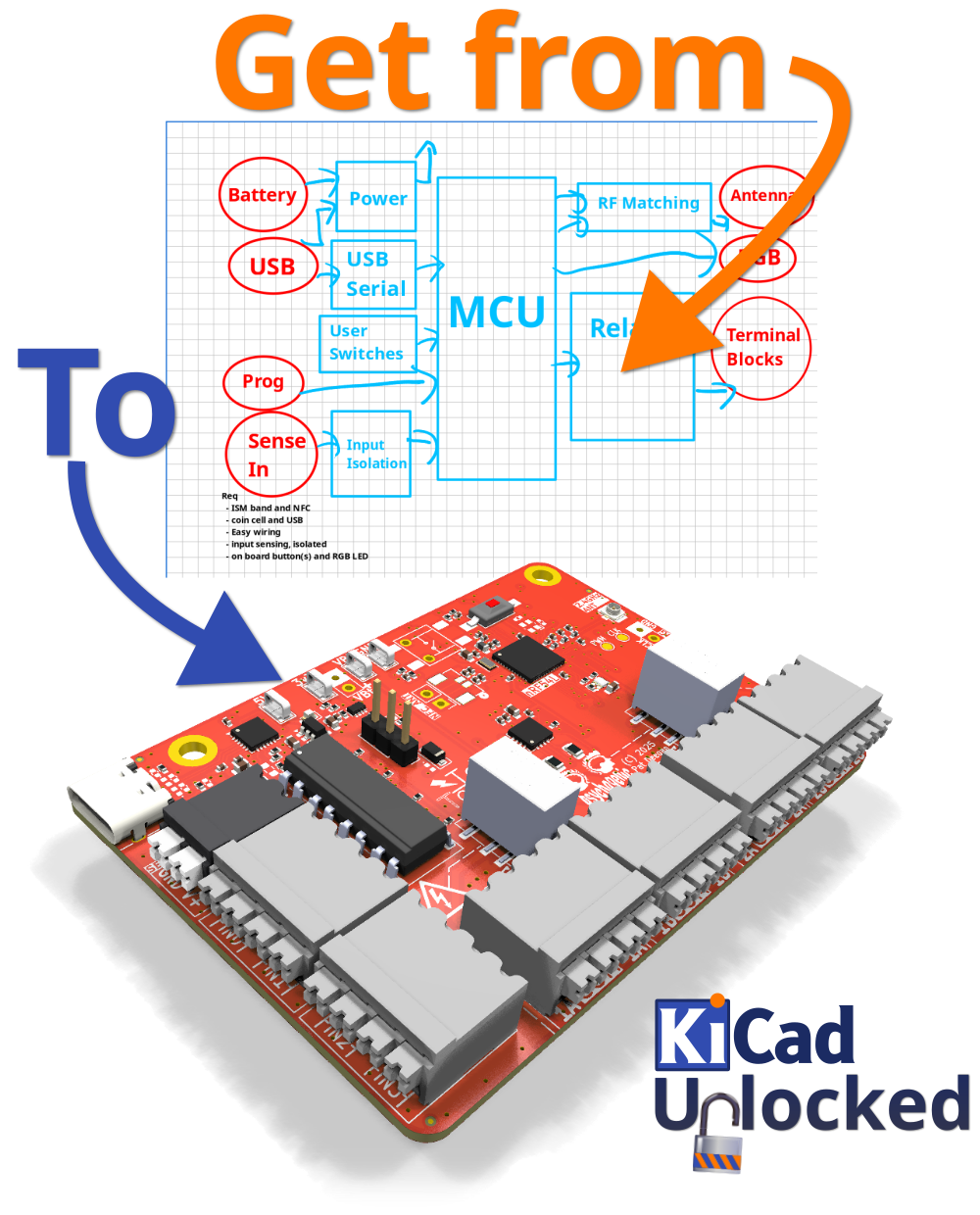
This course covers everything from from git to gerber, through design and DRC, and goes into deeper corners and hidden tricks, so you can optimize the process and become an even more kick-ass circuit making machine.
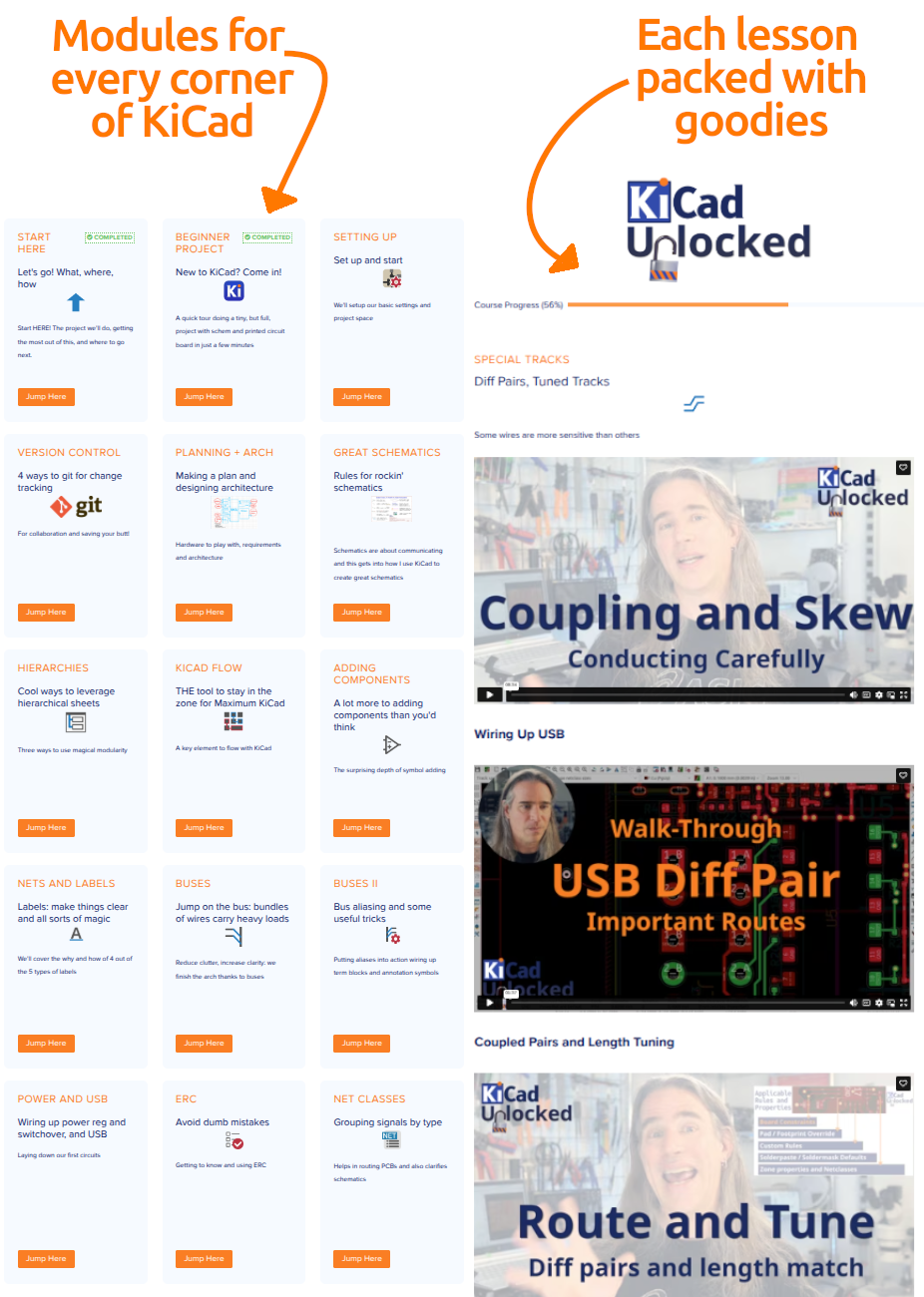
That's 39 modules going into detail on all the strategies and tools you need to make awesome boards, and do it fast.
And because you, KiCad and this community are awesome I'm offering it optionally for free.
[Community Code for Free Access]
This comprehensive KiCad course, packed with tens of modules split into over 90 short videos of expert techniques and walkthroughs,, is priced at $400.
Your purchase fuels more high-quality, open-source resources like this.
If $400 is out of reach, I’m committed to keeping knowledge accessible.
Email me with your name and a sentence about why you’re excited to learn KiCad to get a community code for full free access. I’ll respond within 1-2 business days (check Spam / junk folder if you don't see it!).
Paid users, thank you—you’ll unlock exclusive perks like helping shape future content.
Join us and let’s build the future of open-source education!